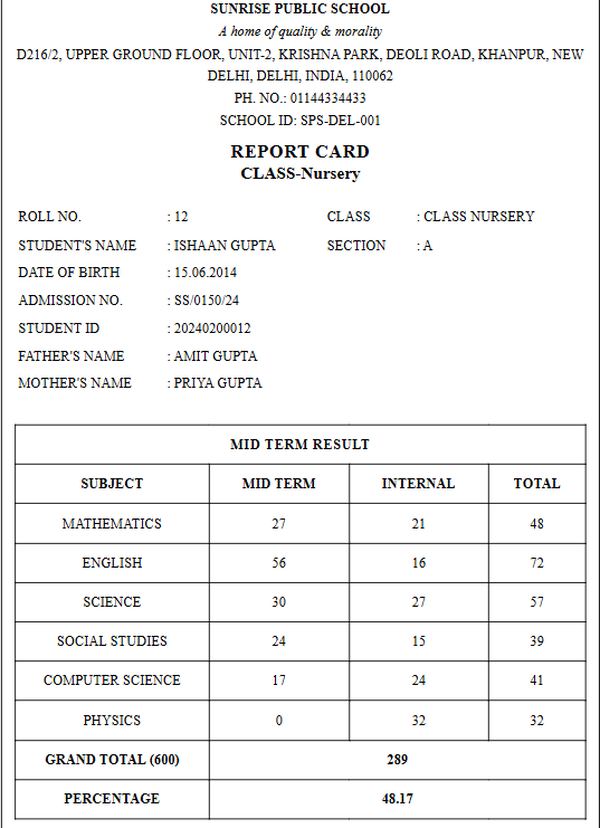
Every school has the same two weeks each March and April. Results are declared, new session registers are being prepared, and the office has to move hundreds of students up a class. Done carelessly, this is where wrong class lists, lost dues and angry parent calls begin.
I run CrossKloud, and we sell school software, so read this with that in mind. Most of this checklist works with a register and a pen. Software only makes the final step faster.
What the existing help pages leave out
Search for how to promote students and you will find step-by-step help pages: choose a class, tick the students, click promote. Those explain where the button is. They rarely cover what a principal actually has to decide before anyone clicks anything. That is what this guide is about.
Before you promote anyone
- Finalise results first. Do not promote while marks are still being corrected. A student marked wrongly as passed or failed is much harder to fix after the move.
- Decide your promotion rules in writing. Which classes have a promotion test, what happens to a child who misses the pass mark, and who has the final say. Your board's rules and your state's rules apply, so check them, and have the principal sign off the final list.
- Make a separate list of students who will not move up. These are students being detained in the same class, and students who are leaving with a transfer certificate. Keep them out of the bulk move rather than correcting them afterwards.
- Settle old dues. Decide, as policy, how unpaid fees from the old session are treated: collected before promotion, carried forward, or handled by an agreement with the family. Whatever you choose, make sure the accountant knows before the move, not after.
- Plan the new sections. Many schools rearrange sections every year to balance numbers. Decide the new section lists, or confirm that students keep their section, before you start.
- Take a backup of your records. Keep a copy of the old session's class lists and results. You will need them for certificates and queries for years.
Do the move one section at a time
Promoting an entire school in one go sounds efficient and is risky. Work from the highest class down, one section at a time, so no student is moved twice, and check each list against your approved list before confirming. Ask the class teachers to look at their own list; they will spot a missing child at once.
After the move
- Check the head count in each new class against admissions and the approved lists.
- Confirm that students leaving have their transfer certificates issued.
- Tell parents the new class and section, and when the new fee structure applies.
- Keep the old session's records for reference, not deleted.
How this works in CrossKloud School
CrossKloud School has a student promotion feature that moves students up at the end of a session, one section at a time, with a preview shown before you confirm. That is what I can state today. The policy decisions above, such as who is detained, how old dues are treated and how new sections are formed, stay with your school, and I would not want any software to decide them for you. If you want to see how promotion works with a sample of your own class lists, book a free demo and ask us to walk through it.
Related guides: moving your school's records from Excel to an ERP, school certificate management and school fee management.