"ERP" stands for enterprise resource planning, which is not a phrase anyone at a school uses. In plain words, a school ERP is one piece of software that holds the school's records and runs its daily work, so that the same information does not have to be typed into five registers and three spreadsheets.
You will also hear it called school management software or a school management system. In India the terms are used for much the same thing.
What a school ERP usually does
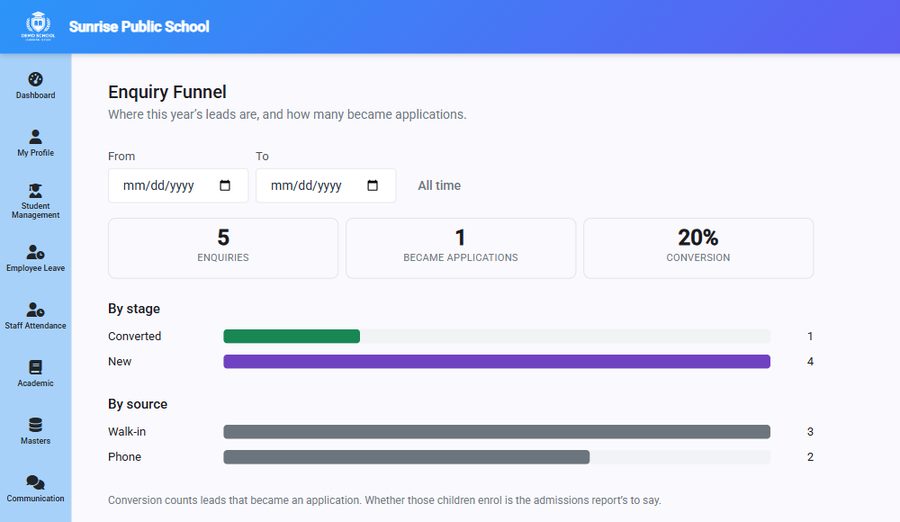
- Admissions: a form parents can fill in online, and a list of enquiries to follow up.
- Fees: fee structures, invoices, receipts, concessions, late fees and refunds.
- Attendance and leave: for students and staff.
- Academics: timetable, homework, marks and report cards.
- Exams: question banks and online tests.
- Certificates and ID cards: transfer and bonafide certificates, printed cards.
- Parent portal: where families see dues, receipts and notices on a phone.
- Staff access: each person sees only what their role allows.
Larger systems add transport, library and a front desk for the school gate.
Why one system matters
The value is not any single module. It is that the modules share the same records. When a child is admitted, the fee ledger, the class list and the report card all know about that child without anyone retyping the name. When a parent pays, the office and the parent see the same balance. When marks are entered, the report card is already most of the way done.
Does your school need one?
You probably do if your accountant spends days each month reconciling fees, parents keep calling to ask what they owe, enquiries get lost in admission season, or report card week takes over the staffroom. A very small school with a simple fee structure can run on spreadsheets for a while, but our guide for small schools covers where that stops working.
Cloud or installed?
Cloud software runs in a browser, and the vendor looks after servers, backups and updates, so the school needs no IT staff. Installed software sits on the school's own computers, which leaves the school responsible for keeping them running. Most schools choosing today pick cloud because staff and parents can reach it from a phone.
How to choose
The modules on a brochure are not the same as the modules that are finished. Ask to see each one working, ask what is not built yet, and bring your own messy fee example to the demo. Our buyer's checklist has the full list of questions, and the price guide shows how to compare quotes.
CrossKloud School is the school ERP we build in New Delhi. You can read every feature, or book a free demo.